
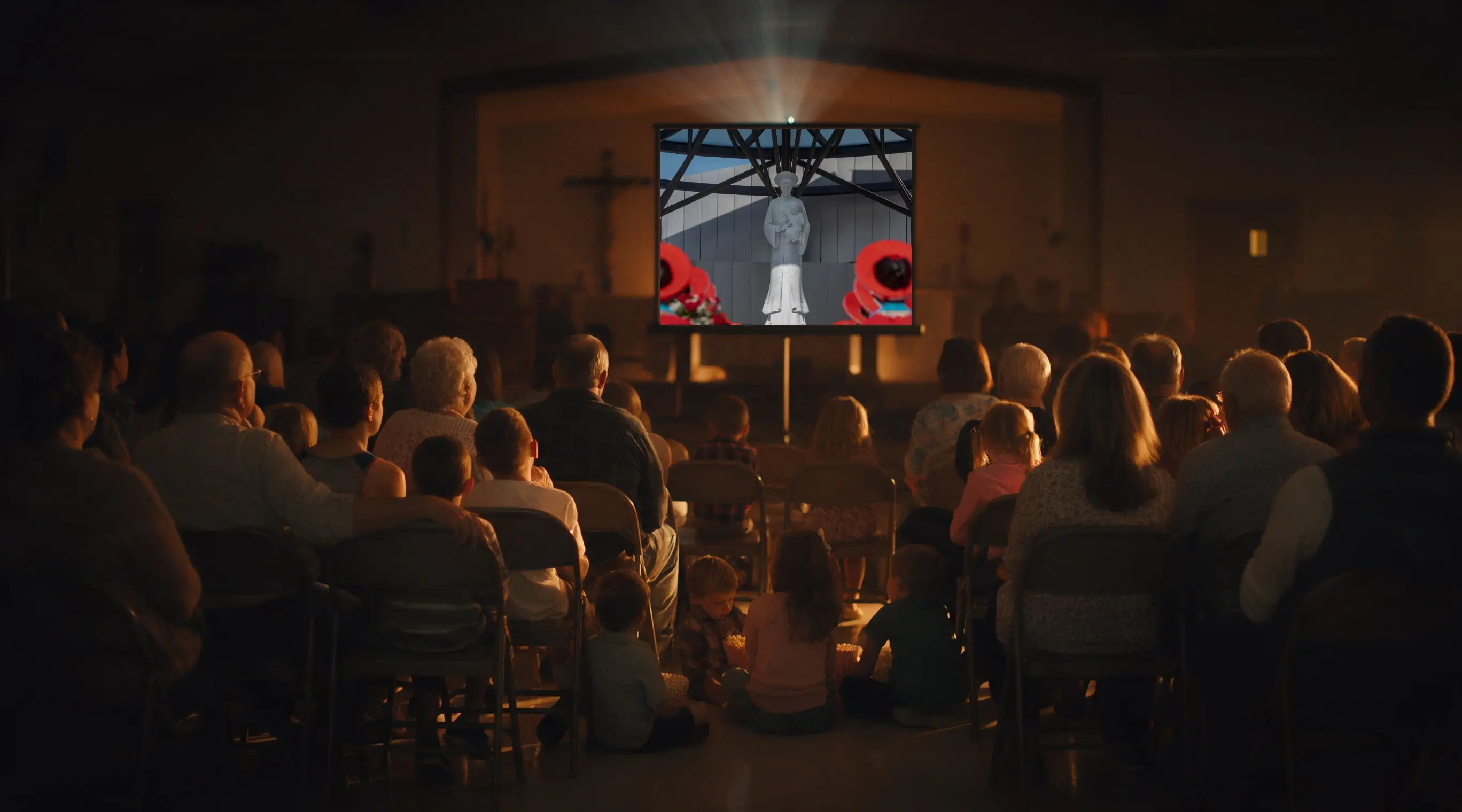
A guide for churches, schools and groups
How to host a screening.
Everything you need to plan, show and make the most of a film screening, from choosing your license to the conversation afterward.
Bring your community together
Families, students, church members and neighbors share an evening around a story worth watching.
Spark conversation and faith
A good film opens the door to real talk. The conversation afterward is often where hearts are moved.
Raise money for your mission
Tickets, donations and concessions can cover your license and support your church, school or ministry.
How it works
Choose a film
Open a film in the Ember TV web app at app.emberstreaming.com and select Book a Public Screening.
Pick your license by audience size
From $199 for up to 50 people. Over 250? Choose Request a Quote and we’ll email you a price.
Enter your screening details
The date, time zone, and the venue’s name and street address. Your license covers that venue.
Pay securely online
Your license certificate is saved under My Rentals.
Show the film
It plays from the day before (for a test run) through the day after, in your venue’s time zone.
- Up to 50 people$199
- Up to 100 people$299
- Up to 150 people$499
- Up to 200 people$699
- Up to 250 people$899
- Over 250 peopleRequest a Quote
What your license includes
- One public showing on the date you choose
- Stream in full HD in the web app or on Apple TV, Roku and Fire TV devices
- Playable from the day before through the day after
- A license certificate for your records
Each additional showing needs its own license.
How to stream the film
Pick the option that fits your room. Either way, sign in with the Ember TV account you used to buy the license.
Option 1 · Recommended for big screens
Apple TV, Roku or Fire TV device
Download the free Ember TV app from the device’s app store: the App Store on Apple TV, the Roku Channel Store, or the Amazon Appstore on Fire TV.
Sign in with the same Ember TV account you used to buy the license.
Scan the QR code or enter the code. The TV shows a QR code and a short code. Scan the QR code with your phone’s camera, or go to app.emberstreaming.com/activate on your phone or computer and enter the code.



Option 2
Laptop or computer
Sign in at app.emberstreaming.com in a web browser, open the film and play it full screen. Connect the laptop to your projector or TV with an HDMI cable.
The film streams online and cannot be downloaded.
A reliable internet connection is essential. Test it in the room during your run-through the day before.
Equipment and tech checklist
Tick each item off as you gather it.
Planning timeline
4–6 weeks before
- Choose the film
- Book your license
- Set ticket prices or a donation goal
- Start promoting
2–3 weeks before
- Bulletin and pulpit announcements
- Posters, social media, school newsletter
- Recruit volunteers
1 week before
- Confirm your headcount (upgrade your license if needed)
- Confirm equipment and room setup
Day before
- Full tech test in the room using your Ember TV account
Day of
- Arrive early
- Start the stream a few minutes before showtime
- Welcome guests
After
- Thank attendees and volunteers
- Share photos
- Report how much you raised
Promote your screening
Use as many of these as you can. Personal invitations often bring the most people.
- Bulletin and pulpit announcements
- Your church or school website
- Email newsletters
- Personal invitations
- A flyer with the film poster
- Social media posts
- Local church or community calendars
Sample bulletin announcement
Join us for a film night. [Church or school] will host a screening of [film title] on [date] at [time] in [venue]. Tickets: [price or “free-will offering”]. Bring family and friends. Questions? Contact [name, phone or email].
Turn your screening into a fundraiser
Ember TV encourages you to use your screening to cover your license and raise money for your church, school or ministry.
Sell tickets
Pre-sale and at the door; family passes; student discounts.
Free-will offering
Or a suggested donation at the door.
Online giving
Put a QR code on flyers and on screen.
Find a sponsor
A local business, Knights of Columbus, a church group or a generous family covers the license. Then every ticket and donation is profit.
Concessions
Popcorn, drinks, baked goods, a themed treat.
Dinner and a movie
Or a potluck before the film.
Raffle, 50/50 or silent auction
Follow your church, diocese or school policies.
Matching-gift challenge
Ask a donor to match what you raise.
Break-even example
Cover the license
50 guests × $4 = $200
A $199 license for 50 guests is covered by $4 tickets.
Raise more
50 × $10 = $500 − $199 = $301
At $10 a ticket, 50 guests raise $500: $301 for your cause after the license.
Make it meaningful
All of these are optional. Choose what suits your group.
Before the film
- An opening prayer or welcome
- A brief introduction to the film
After the film
- Discussion questions: plan three to five before the night
More ideas
- Invite a speaker
- Adoration or prayer time
- A follow-up small group
Troubleshooting and FAQ
The film won’t play.
Make sure you’re signed in to the account that bought the license, and that it’s within your viewing window (the day before through the day after).
The TV app asks me to sign in.
Scan the QR code on the TV with your phone’s camera, or go to app.emberstreaming.com/activate and enter the code shown on the TV.
It keeps buffering.
Switch to a wired connection or move closer to the Wi-Fi router. Close other devices using the internet.
Can I download the film?
No, it streams online only.
Can we show it twice?
Each showing needs its own license.
More people are coming than planned.
Contact us and we’ll upgrade your license, even after booking.
We’re here to help.
Email support@emberstreaming.com with the film, your venue and the date, or use our contact form.